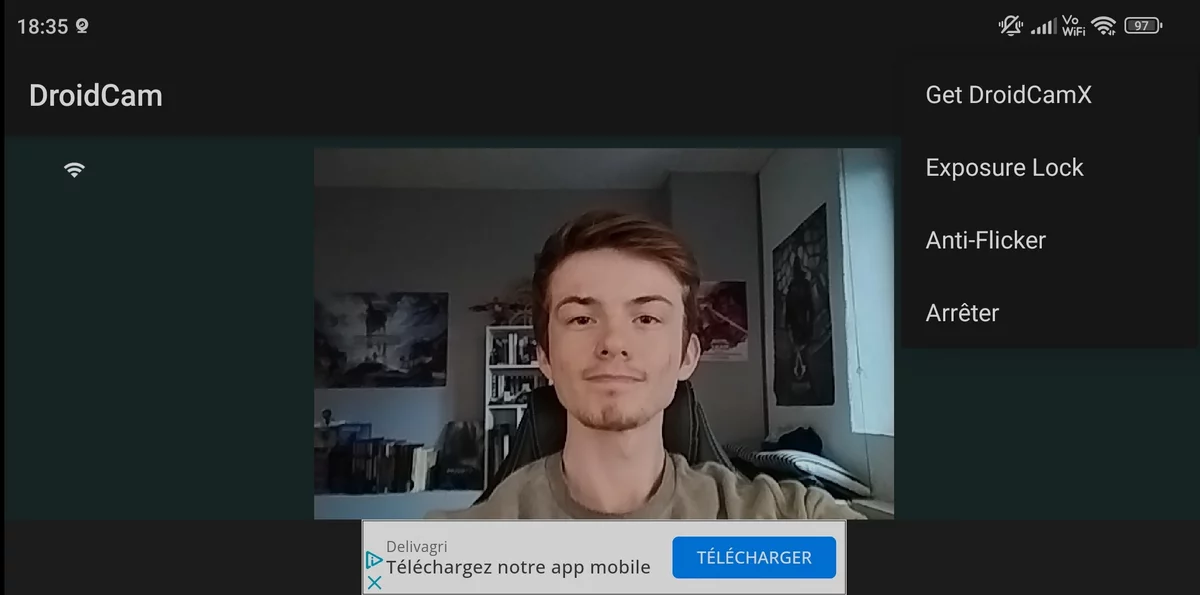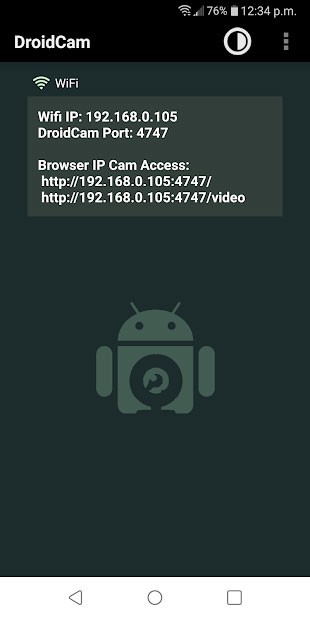


DroidCam Client is the essential software that enables seamless integration between DroidCam and your PC-installed programs. With this client added to your computer, transforming your Android device into a fully functional webcam becomes a hassle-free endeavor.
Prior to installing this program, ensure that all the applications you intend to link with your smartphone as a webcam are closed. Once this prerequisite is met, initiating the installation process is a straightforward task.
This program bestows your computer with the ability to recognize your Android device’s camera as a webcam, bolstered by a high level of security. It is also designed to capture audio. In the event this feature encounters any issues, a simple computer restart often suffices to enact the changes effectively.
DroidCam Client, the indispensable Windows program for utilizing the Android app, offers a user-friendly pathway to harness your smartphone as a webcam. This capability seamlessly integrates with well-known video conferencing platforms such as Skype, Zoom, and more. Additionally, it offers compatibility with Google Play, Twitch, and YouTube.
Key Features:
Audio: Capture audio from the microphone.
Effects: Apply various effects to the video feed.
FPS: Adjust the frame rate up to 60fps.
Flip: Flip the image horizontally or vertically.
Mirror: Mirror the image horizontally or vertically.
Overlay: Add a logo or other overlays to the video feed.
Picture-in-Picture: Display both webcam and device camera feeds simultaneously.
Quality: Fine-tune the video quality and compression settings.
Recording: Record video and audio directly to your computer.
Resolution: Adjust the output resolution, supporting up to 1080p.
Rotate: Rotate the image up to 360 degrees.
Text: Incorporate text into the video feed.
USB: Establish a connection via USB cable.
Wireless: Connect to Android devices wirelessly.
Zoom: Zoom in and out of the device camera with ease.